These are some of the most important things to know about Management Reporter You really don't need to know everything about MR to create effective reports. Here I've pared it down to the ones I think are most important to know when just starting out. The version as I write … [Read more...]
How To Fix a Stuck Report in Management Reporter
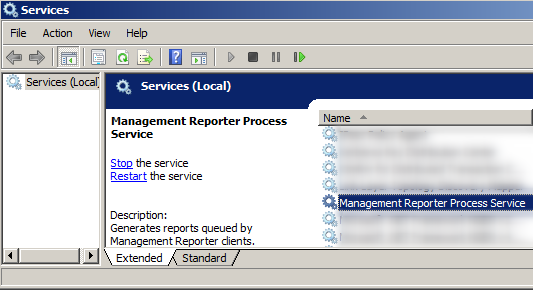
What To Do When a Report Gets Queued Up But Won't Generate I used to see this fairly often, but thankfully not so much anymore with the advent of Management Reporter 2012. The report you generate hits the queue, but the status doesn't change from 'Queued'. It just sort of … [Read more...]
Management Reporter’s “An Unknown Error Has Occurred”
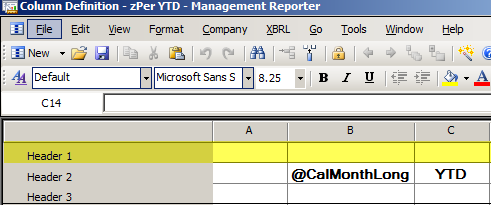
One Fix for Management Reporter's Unknown Error Just a quick post today. I've seen the "An Unknown Error Has Occurred" message less frequently recently, but here's one I want to mention. Twice it has been due to content in the Header 1 row in a column definition Both times … [Read more...]
Using MR Dimension Value Sets

(Update—there's been a terminology change since I wrote this! I originally wrote about Dimension Sets, but in MR 2012, Dimension Sets are now called Dimension Value Sets. And just to make things tougher, Dimension Sets now refer to something completely different. Gotta love it. … [Read more...]
Using Management Reporter with AX
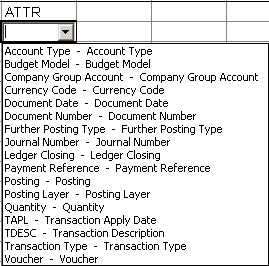
Using Management Reporter with Dynamics AX? Or maybe thinking about it? This is a quick post on a few things you might want to know. Much of this information depends on what version of AX you're running. That's always my first question when talking to a Management Reporter … [Read more...]
- 1
- 2
- 3
- …
- 6
- Next Page »